Marketing
Email Blasts
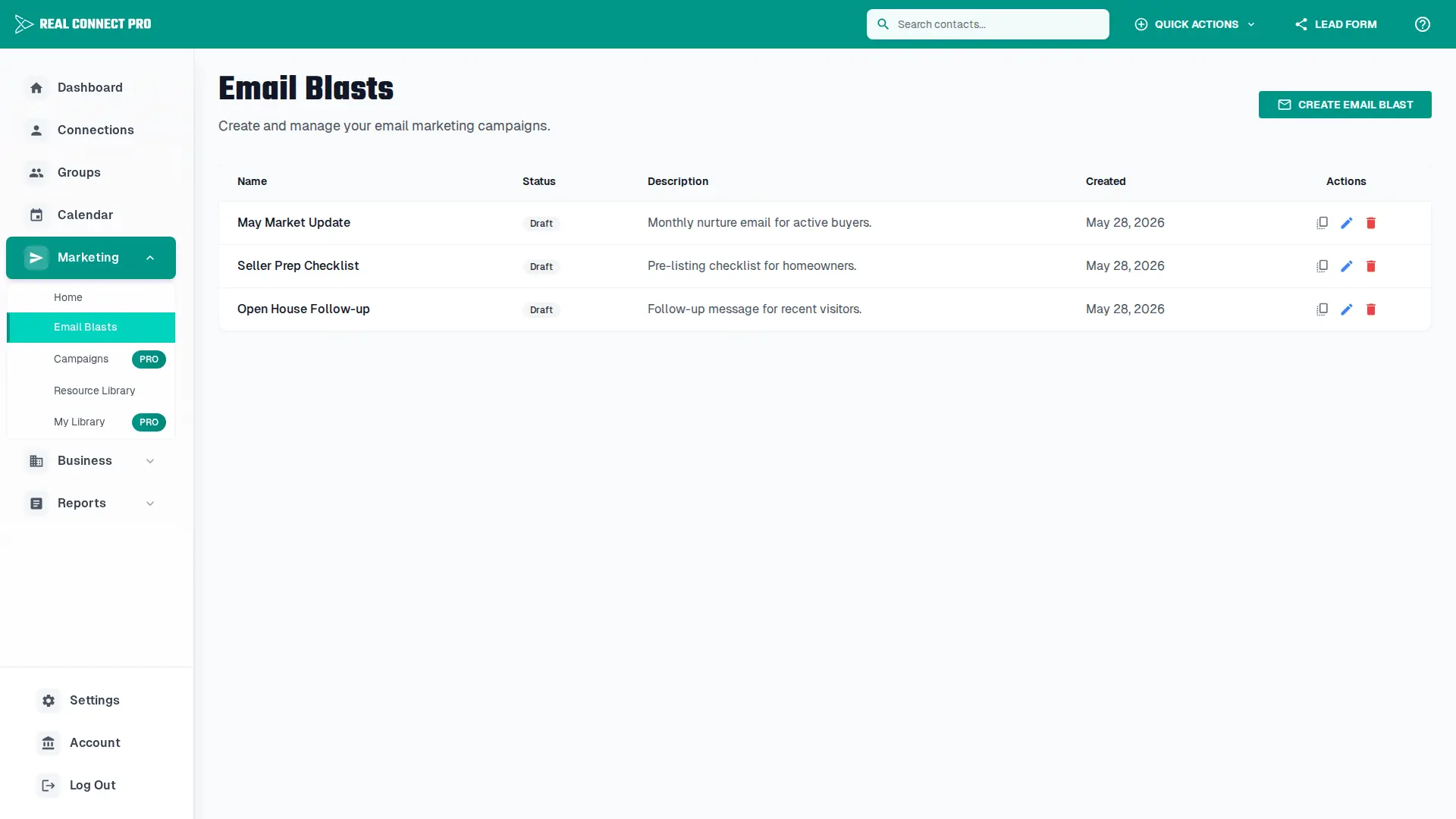
Create and manage targeted email campaigns to engage with your connections and groups. The Email Blasts feature allows you to design, schedule, and track personalized email communications with your network.
Overview
Email Blasts provide a powerful way to communicate with your network through personalized email campaigns. You can create drafts, schedule sends, and target specific connections or groups with your messages.
Key Benefits:
Key Features
Recipient Selection
Choose individual connections or entire groups
Rich Text Editor
Professional email design tools
Scheduling
Plan and schedule email sends
Template Support
Use and save email templates
File Attachments
Attach multiple files (up to 10MB each)
How to Create an Email Blast
Click "Create Email Blast" from the Email Blasts page
Fill in the email blast information (name, subject, description)
Select recipients from your connections or groups
Design your email using the rich text editor
Add your signature block if desired
Optionally attach files to your email (documents, images, PDFs, etc.) - up to 10MB per file
Save as draft or launch immediately
After Sending
Email tracking
Review opens, clicks, and unsubscribes from the email blast results page after messages are sent.
Gmail sending
If Gmail sending is enabled in Settings, email blasts send from the connected Google account.
Unsubscribes
Contacts who unsubscribe should be excluded from future marketing email sends.
Follow-up automation
Use the Email Link Clicked campaign trigger to start automated follow-up when a contact clicks a tracked link.
Tips for Effective Email Blasts
Use templates for consistent branding
Preview emails before sending
Schedule sends for optimal timing
Segment your audience for targeted campaigns
Use attachments to share property flyers, contracts, or marketing materials
Need Help?
If you need assistance with creating email blasts or have questions about email marketing best practices, please contact our support team.