Connections
Lead Form
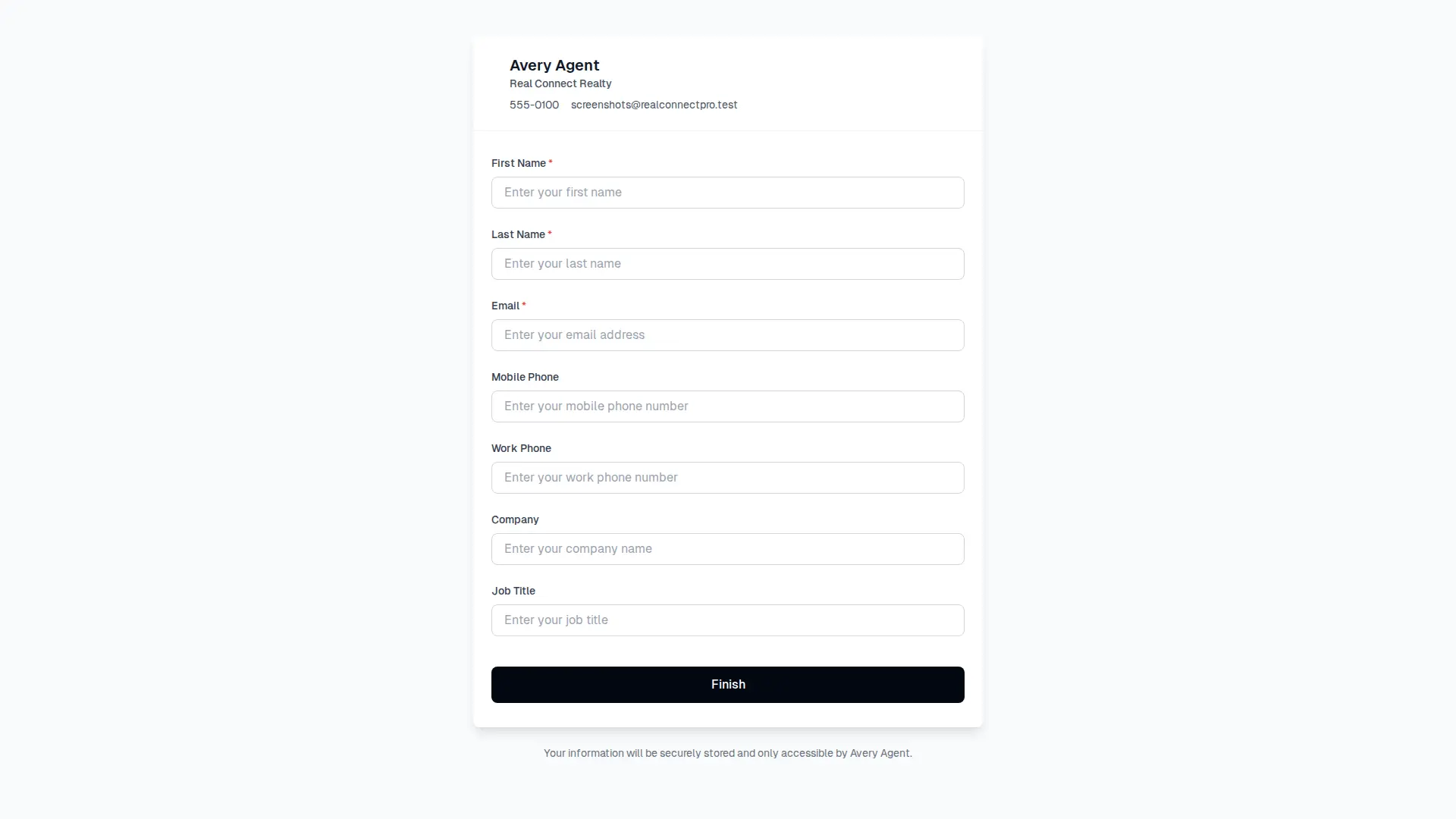
Use your lead form to let buyers, sellers, referrals, and event contacts add themselves directly to your database.
How it works
The Lead Form button in the app header opens your shareable contact form link. The link uses a short URL that is easier to copy, print, and share.
When someone submits the form, RealConnectPro creates a new connection, marks it as a lead form contact, and notifies you about the submission.
Sharing your form
Open the Lead Form modal from the app header.
Copy the short shareable link and paste it into emails, texts, social posts, or printed material.
Use the Share button on supported devices to open the native sharing menu.
Download the QR code for business cards, open house flyers, event signage, or mailers.
Branding and automation
Public form branding
Your branding design appears below the form header when it has been configured in Brand Management.
Lead form campaigns
Use the New Lead Form Contact campaign trigger to follow up with contacts who submit this form.