Getting started
Calendar
The calendar brings your follow-up work into one view so you can plan tasks, appointments, birthdays, and house anniversaries.
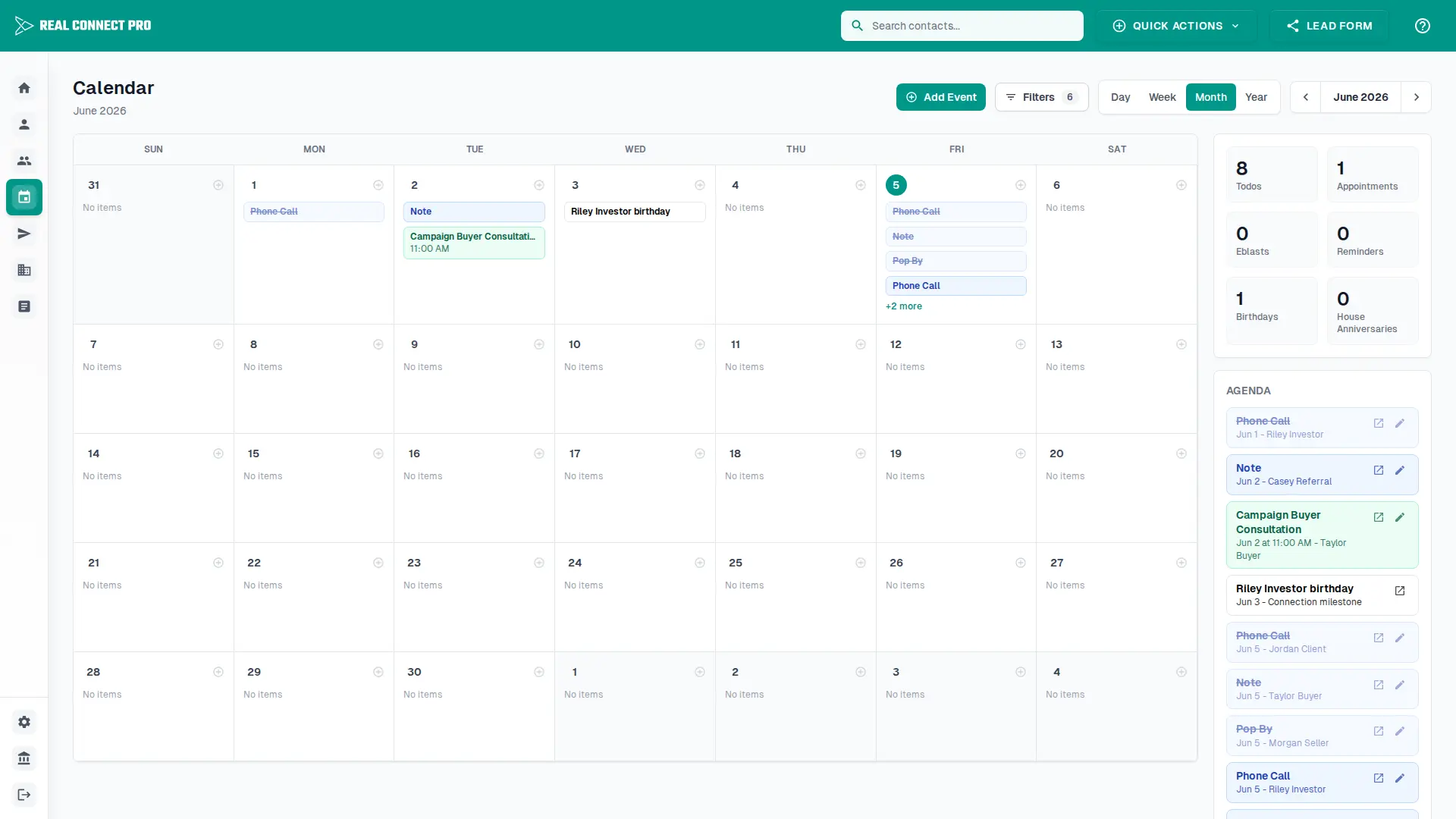
Calendar views
Day
Focus on one day of todos, appointments, and reminders.
Week
Review the week and add new items to specific dates.
Month
Scan upcoming work and open days that have more items.
Year
Spot busy months and jump into a month view.
Working with calendar items
Use Add Event to create a todo or appointment.
Use Filters to show or hide event types such as reminders, appointments, birthdays, and house anniversaries.
Use the previous, next, and today controls to move through time.
Click editable items to update them, or click linked items to open the related connection.
Use the agenda sidebar to review the most important items in the current range.
Google Calendar sync
Connect Google in Settings to sync reminders, appointments, and upcoming birthday or house anniversary prompts to your Google Calendar. You can choose which categories sync and run a manual sync when needed.