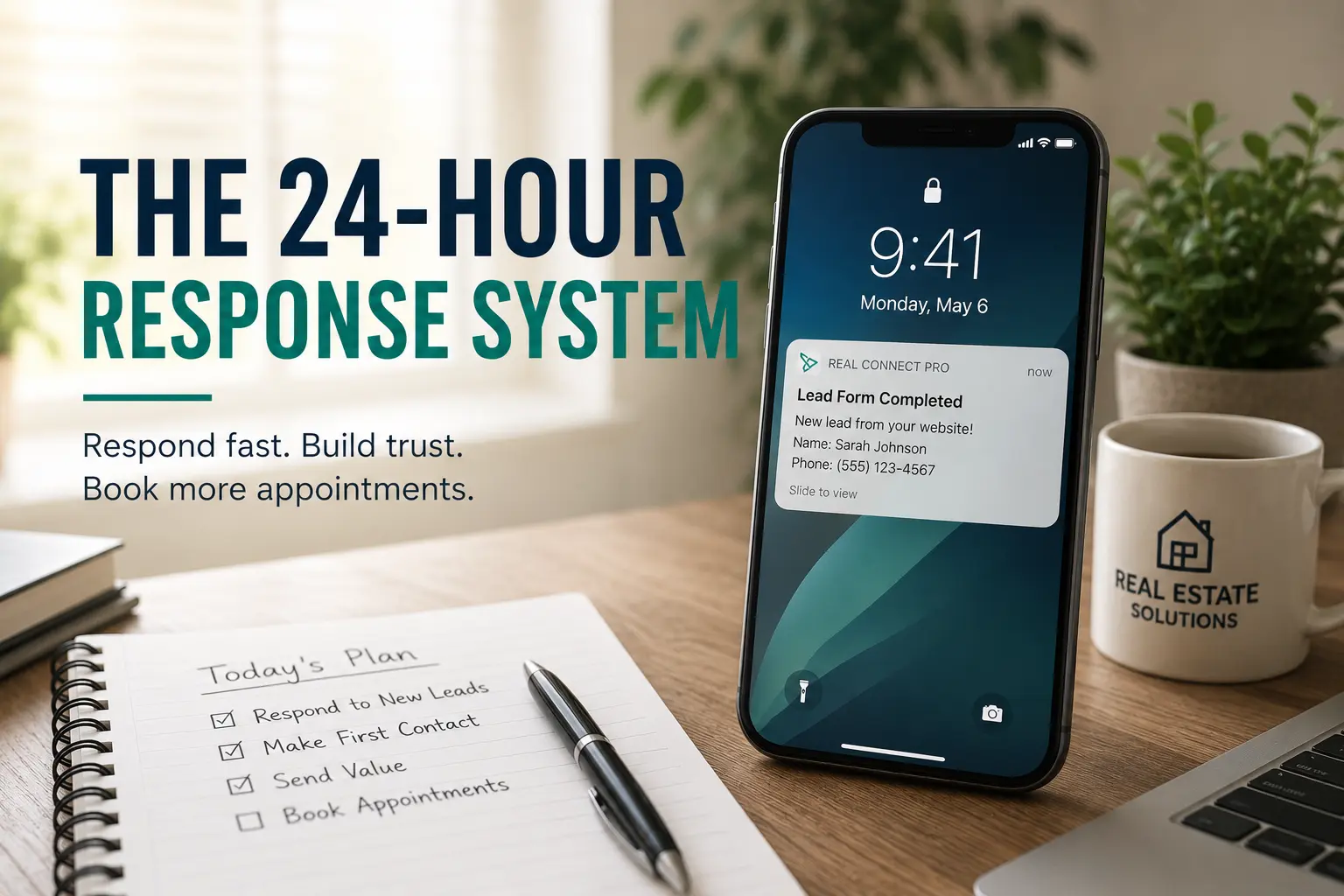
When a lead reaches out, the first 24 hours decide whether you earn a meeting or become background noise. Design a simple, repeatable response system you can execute every time, with clear steps, scripts, and measurable handoffs.
Why a 24-hour response system matters
People who contact an agent are usually momentarily motivated and evaluating options. Slow or inconsistent follow up lets other agents move in and creates friction before you build trust.
A reliable 24-hour system reduces decision friction, makes next steps obvious, and increases the chance of booking a showing or initial consultation.
The step-by-step 24-hour outreach workflow
Use the same workflow for web leads, text inquiries, social messages, and phone calls. Consistency makes your team faster and easier to hand off.
- Immediate auto-reply within the first 5 minutes. Send a brief acknowledgment with available contact methods and a clear promise, for example: "Thanks, I got your message. I will call within 1 hour with options for showings and next steps."
- Make the first live contact attempt within 60 minutes. Phone call preferred, leave a voicemail if no answer, then send a short text referencing the call.
- If no response after the first call, send a follow-up text summarizing three concrete next steps: 1) quick call window, 2) link to schedule, 3) ask one qualifying question like desired move timeline.
- Within 6 to 12 hours, send a targeted property or selling checklist relevant to their inquiry. Keep it one page or one web link, and highlight one clear call to action.
- At 24 hours, if still no engagement, send a concise value message that reduces friction, for example a short market snapshot, an eligibility checklist, or an offer for a 15-minute compatibility call.
Scripts and message templates you can use now
Templates save time and keep tone consistent. Make each template short, personal, and action focused. Use templates as starting points, not robotic copies.
Examples to copy and adapt:
- Auto-reply (SMS/email): "Thanks for reaching out, NAME. I will call within 1 hour to discuss availability and next steps. If you need to schedule now, here is my calendar link: CALENDAR_LINK."
- Voicemail script: "Hi NAME, this is YOUR NAME with BROKERAGE. Thanks for your inquiry about ADDRESS or PROPERTY TYPE. I will follow up by text with a few times to talk. If you prefer a time, reply or click my calendar link. Thanks."
- 6-12 hour follow-up (text): "Quick follow-up, NAME. Based on what you mentioned, I have a few homes I want to show. What is a 45 minute window tomorrow afternoon that works?"
- 24-hour value message (email): "Market update for YOUR NEIGHBORHOOD: short note on recent listings and one tip that helps buyers or sellers move faster. Let me know if you want a quick snapshot for your address."
Checklist: Daily actions to execute the system
Keep this checklist by your desk or in your CRM queue. It makes the process repeatable and audit friendly.
- Respond to new inquiries with an auto-reply immediately, manually if needed.
- Place the first call within 60 minutes, log outcome in CRM.
- Send a follow-up text after each call attempt, with a clear next step.
- Deliver a targeted property or seller checklist within 12 hours.
- Send a 24-hour value message if no engagement, and schedule a 3-day nurture task.
Measure, automate, and hand off
Track three simple metrics: time to first contact, number of contact attempts in 24 hours, and percentage of inquiries that convert to appointment. Review these weekly with your team or accountability partner.
Automate the low value parts: auto-replies, calendar links, and drip messages. Use tools that let you assign follow-up tasks to an assistant or ISA so live touchpoints stay personal.
For example, you can configure Real Connect Pro to send the immediate auto-reply, push a priority task to your phone, and launch a 24-hour drip that surfaces neighborhood data. That keeps the workflow fast while preserving your personal touch on phone calls.
Common mistakes and how to avoid them
Waiting too long is the single biggest error. Even a short automated message prevents you from losing the lead to silence.
Another mistake is oversending long documents or too many properties in the first 24 hours. Keep early messages focused on scheduling and qualification, not volume.
Finally, avoid inconsistent tone. Use short templates and personalize one detail so the message feels human and relevant.
How to scale the system without losing quality
Create a simple intake form that captures key qualifiers: price range, timeline, preferred contact method. Use that to route leads instantly, and set up a short script for whoever calls first.
Train any assistants or team members on the exact 24-hour workflow and provide canned messages. Review recordings or message logs once a week for quality control.
When you respond quickly and predictably, you reduce friction for prospects and increase the chances of booking an appointment. The 24-hour response system is low lift, high impact, and easy to repeat until it becomes habit.